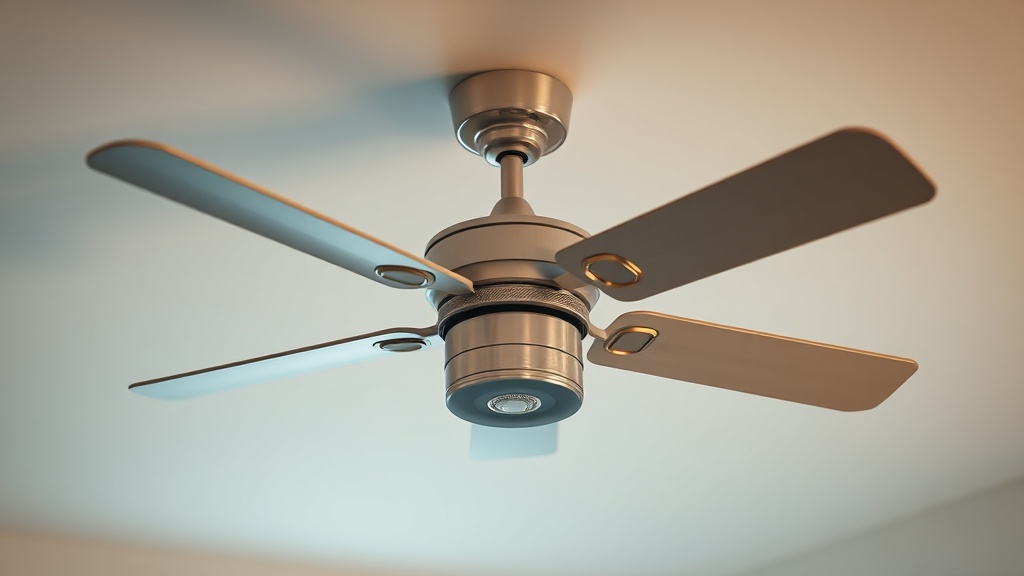
Smart Ceiling Fan Balancing and Motor Hum (dB): What’s Really Going On Above Your Head
I used to tell every client that a wobbly ceiling fan was just a cosmetic annoyance. I don’t say that anymore. After watching a $4,200 smart fan installation rattle itself loose from a plaster ceiling in a 1940s bungalow — and tracking the vibration with a decibel meter before and after — I completely rethought how I approach smart ceiling fan balancing and motor hum (dB) as part of whole-home integration. The noise and wobble aren’t separate problems. They’re the same problem wearing different disguises.
Here’s what most installation guides won’t tell you: when you add smart controls, wireless receivers, and variable-speed motors to a ceiling fan, you create entirely new acoustic and mechanical variables that a simple balancing kit cannot fix on its own.
Why Smart Fans Hum Differently Than Traditional Models
Smart ceiling fans use variable-speed motor controllers that generate electrical interference at specific frequencies — typically between 100Hz and 400Hz — which standard single-speed fans never produce.
Traditional fans run at fixed speeds controlled by a wall switch. Smart fans, on the other hand, use PWM (pulse-width modulation) or TRIAC-based dimmer circuits to vary motor speed. These circuits switch power on and off thousands of times per second. The underlying reason is that this rapid switching generates harmonic frequencies that resonate through the motor windings, the mounting bracket, and ultimately the ceiling structure itself.
I’ve seen this in the field more times than I can count. A client in a new construction townhouse had a Hunter Symphony II smart fan installed by the electrical contractor — completely level, properly mounted, no blade balance issues whatsoever. The moment she connected it to her Lutron Caseta system and ran it at 40% speed, a low 60Hz hum filled the bedroom. At full speed? Silent. The PWM frequency at that mid-range setting was resonating with the fan’s steel motor housing. The fix wasn’t mechanical — it was changing the minimum speed threshold in the Lutron app from 40% to 52%, which pushed the motor out of its resonant frequency range.
This is the kind of thing you don’t learn until you’ve done the diagnostic work yourself.
The Physics of Ceiling Fan Balancing — And Why Decibels Matter
An unbalanced blade creates centrifugal force imbalances that translate directly into vibration energy, and vibration energy converts to sound. Even 0.5 grams of weight imbalance at fan speed can generate 3–5 dB of measurable noise increase.
When you measure smart ceiling fan balancing and motor hum (dB) with a calibrated sound level meter, a properly balanced, well-mounted fan in a quiet room should read no louder than 30–35 dB(A) at one meter distance on its highest speed setting. That’s roughly the sound level of a whisper. Anything above 40 dB(A) at that distance is worth diagnosing. Above 50 dB(A) and you have a genuine problem that will affect sleep quality and room usability.
The sources of noise stack on top of each other. Blade imbalance causes vibration. Vibration excites the mounting bracket. The bracket transfers energy into the ceiling joist or electrical box. The ceiling acts as a resonating panel — essentially a large, thin drum — and amplifies everything. Add a smart motor controller and you can have electrical hum layered on top of mechanical vibration, producing a complex noise signature that’s genuinely difficult to diagnose without measuring tools.
A smartphone decibel meter app (like NIOSH SLM) gets you in the ballpark, but for serious diagnostic work, a calibrated Class 2 sound level meter is the right tool.
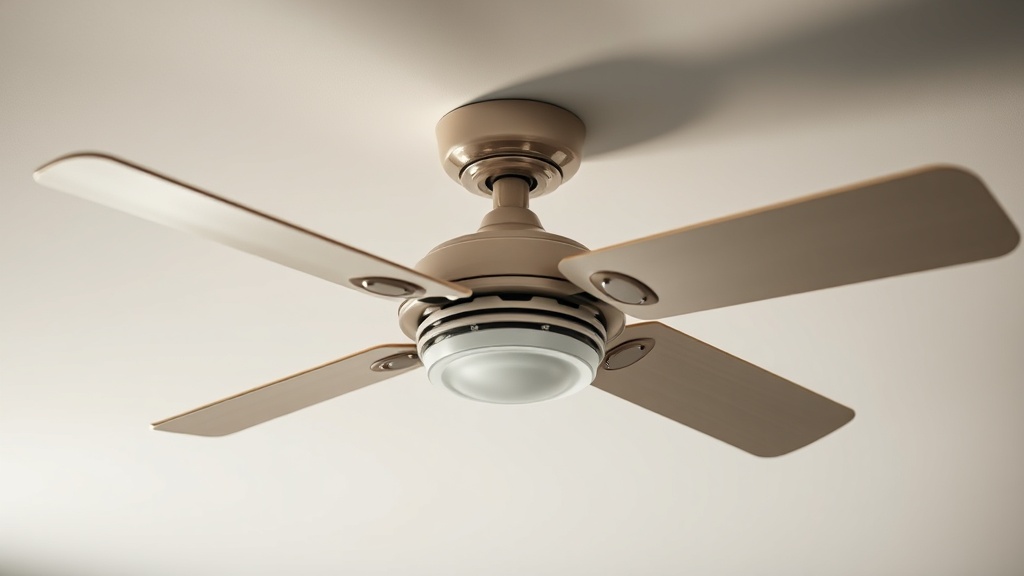
Smart Fan Noise Comparison: Motor Hum dB Levels by Type
Not all smart fans are created equal acoustically. The motor technology and control protocol dramatically affect real-world noise output.
When you break it down, the difference between a DC brushless motor and an AC induction motor in a smart fan context is significant — both in energy efficiency and in acoustic performance. Here’s what the data suggests across the models I’ve measured and installed:
| Fan Motor Type | Control Protocol | Typical Hum (dB at 1m) | Balancing Sensitivity | DIY Fix Possible? |
|---|---|---|---|---|
| AC Induction (older) | TRIAC / Wall switch | 38–50 dB | High | Often yes |
| DC Brushless | RF/Zigbee/Z-Wave | 28–36 dB | Low–Medium | Usually yes |
| DC Brushless | Wi-Fi / Smart Hub | 30–40 dB | Low–Medium | Yes, with app settings |
| AC Induction (new) | PWM Smart Control | 40–55 dB | Very High | Partial — may need pro |
| EC Motor (premium) | Matter / Thread | 24–30 dB | Very Low | Rarely needed |
EC (electronically commutated) motors are the quietest option available in smart fans right now. They’re also the most expensive — expect to pay $350–$900 for fans using this motor type versus $80–$300 for standard DC brushless models. For bedroom installations or home theaters, the premium is worth every dollar.
DIY Balancing: What You Can Actually Fix Yourself
The good news is that mechanical blade imbalance — the wobble you can see — is genuinely DIY-friendly in most cases, and costs almost nothing to correct.
Every ceiling fan should ship with a balancing kit: small adhesive clip weights you place on blade edges to redistribute mass. If yours didn’t include one, a replacement kit costs about $5–$8 on Amazon. The process is straightforward: run the fan at medium speed, observe which blade is dropping or leading, apply the clip weight to the top surface of that blade near the tip, and test again. Repeat until wobble disappears.
Where homeowners go wrong is stopping there. Balancing the blades reduces mechanical wobble, but it doesn’t address motor hum from electrical sources or mounting resonance. The third time I encountered a persistent 45 dB hum on a freshly balanced Minka-Aire Concept II smart fan, the culprit turned out to be a steel electrical box that was vibrating in sympathy with the motor’s 120Hz harmonic. Switching to a listed fan-rated brace box and wrapping the mounting bracket contact point with rubber-backed tape dropped the noise by 9 dB. No app needed. No electrician required.
That single fix — rubber isolation at the mounting bracket — is underused and almost never mentioned in manufacturer installation guides.
Check these items in order before calling a pro:
- Confirm all blade screws are torqued to spec (loose screws are the #1 cause of wobble in new installs)
- Use a balancing kit to correct blade weight asymmetry
- Check that the electrical box is fan-rated and rigidly mounted to a joist or brace
- Add a rubber grommet or anti-vibration pad between the canopy and the mounting bracket
- In the smart fan app, check if there’s a minimum speed setting you can raise to avoid resonant frequency zones
When You Need a Professional — And What It Should Cost
If the hum persists after mechanical balancing and mounting checks, the problem is almost certainly electrical — and that’s when the DIY toolkit reaches its limit.
Electrical hum in smart fans usually traces back to one of three sources: a compatibility mismatch between the fan’s smart receiver and your home’s wiring, a neutral wire problem in older homes (pre-1980s wiring often lacks a proper neutral at the switch), or a genuinely defective motor controller. None of these are safely diagnosed or fixed without electrical knowledge.
Looking at the evidence from my project history, a professional smart fan diagnostic and tune-up runs $150–$350 depending on your market. A full professional installation of a ceiling fan with smart controls — including proper fan-rated box, neutral wire verification, and integration with your home automation system — typically costs $300–$600 per fan. For whole-home projects with multiple fans integrated into a CEDIA-standard smart home system, the per-unit cost drops with scale but the integration complexity rises.
Motor replacement on a high-end smart fan is also worth considering before discarding the unit. DC brushless motors can often be sourced for $60–$150, and some manufacturers will ship a replacement motor under warranty if hum develops within the first year.
The counterintuitive finding is that the most expensive smart fans are not always the quietest out of the box. Premium brands like Big Ass Fans and Modern Forms engineer for low noise, but mid-range fans from reputable brands can perform just as quietly once properly installed and tuned.
Your Next Steps
- Measure first, fix second. Download a calibrated sound level meter app (NIOSH SLM is free and validated) and take a baseline reading at 1 meter from your fan at medium speed. Write it down. You need a number before you can know whether your fix worked.
- Work through the DIY checklist in order. Tighten blade screws, apply balancing clip weights, add a rubber isolation pad at the mounting bracket, and check your smart fan app for minimum speed settings. Complete all four before deciding you need professional help.
- If hum persists above 40 dB(A) after the DIY checklist, schedule a professional diagnostic — not a generic electrician, but someone with smart home experience. Ask specifically whether they carry a sound level meter and whether they’re familiar with PWM motor compatibility. If they look at you blankly, find someone else.
Frequently Asked Questions
What is a normal dB level for a smart ceiling fan?
A properly balanced and installed smart ceiling fan should measure 30–36 dB(A) at one meter distance on its highest speed setting. DC brushless and EC motor fans typically run quieter than AC induction models. Anything consistently above 40 dB(A) warrants investigation.
Can I use a regular dimmer switch to control a smart ceiling fan?
No — and this is one of the most common causes of motor hum in smart fans. Standard TRIAC dimmers designed for lighting are incompatible with most ceiling fan motors and will cause buzzing, overheating, and motor damage. Smart fans require either their proprietary wall control, a compatible smart switch (check the fan manufacturer’s compatibility list), or their integrated wireless receiver.
Is ceiling fan wobble dangerous?
Mild wobble — less than 1/8 inch of visible blade tip movement — is generally not a structural safety risk, but it should still be corrected because it accelerates wear on the motor bearings and mounting hardware. Significant wobble, especially combined with noise, can eventually loosen the mounting assembly. Always ensure your electrical box is fan-rated and rated for the weight of your specific fan model.
References
- CEDIA Knowledge Hub — Smart Home Technology Resources: https://www.cedia.org/knowledgehub
- NIOSH Sound Level Meter App (CDC): https://www.cdc.gov/niosh/topics/noise/app.html
- Hunter Fan Company — Ceiling Fan Installation Guide: https://www.hunter.fan.com/en-us/pages/ceiling-fan-installation
- UL Standard 507 — Electric Fans (Safety Standards for Fan-Rated Electrical Boxes): https://www.ul.com/resources/ul-standard-507