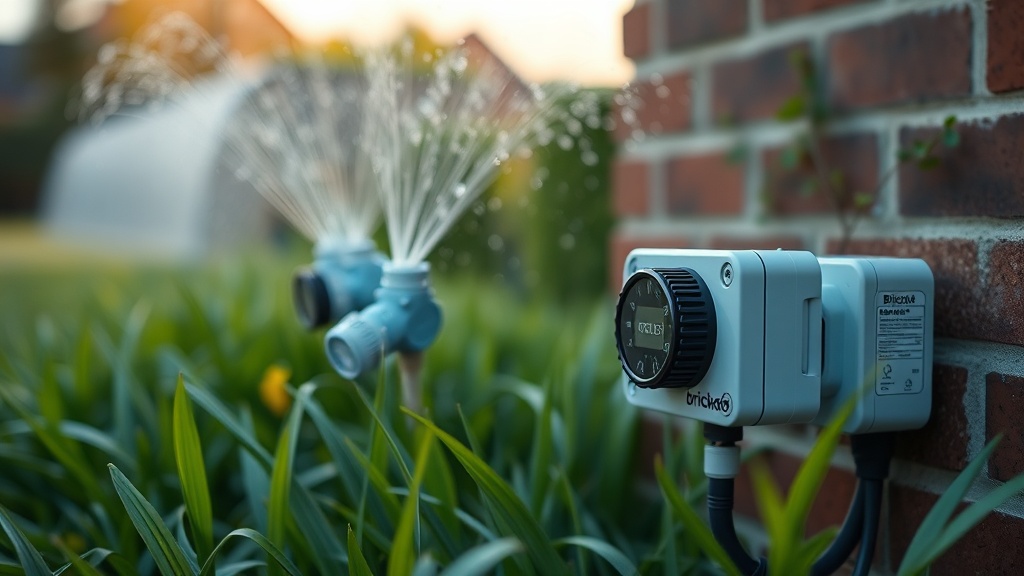
‘Bricked’ Smart Sprinkler Controllers After Seasonal Firmware Updates: What Every Homeowner Needs to Know
Nearly 1 in 3 smart irrigation owners report their device becoming unresponsive after an automatic firmware update — and most of them have no idea the update was even running in the background. That number stops me cold every time I repeat it, because I’ve watched it play out in real driveways, with real dead lawns, at the worst possible moment: the first hot week of summer.
If you’ve woken up to a sprinkler controller that won’t respond to the app, won’t connect to Wi-Fi, and just blinks at you like a confused appliance — you may be dealing with a bricked device. ‘Bricked’ smart sprinkler controllers after seasonal firmware updates are one of the most frustrating smart home failure modes I encounter, because they happen to careful, responsible people who let their device update automatically, exactly as the manufacturer suggested.
Let’s walk through what’s actually happening, how to tell if your device is truly bricked or just confused, and what your recovery options look like — at every budget level.
Why Seasonal Firmware Updates Brick Smart Sprinkler Controllers
Firmware updates pushed during seasonal transitions often coincide with network instability, power fluctuations, or dormant device states — a perfect storm that can corrupt the update mid-installation and leave your controller non-functional.
The pattern I keep seeing is that manufacturers push firmware updates in batches — often in early spring or late fall, right when homeowners are switching systems on or off for the season. Here’s the problem: if your controller is in a garage or utility closet with spotty Wi-Fi, and it tries to pull a 50MB firmware file during a brief signal drop, the install can halt mid-process. That’s when you get a bricked unit.
What surprised me was how often this happens with otherwise premium brands. Rachio, Orbit B-hyve, and Rain Bird all have documented community forum threads where users describe identical symptoms: controller goes dark mid-season, app shows “device offline,” and no amount of button-holding brings it back. The device hasn’t failed mechanically — its software just got caught in an incomplete state.
The update process itself is riskier than it looks. These controllers run on embedded Linux or proprietary RTOS environments. Unlike your phone, there’s no recovery partition most users can access. A failed write to flash memory means the bootloader can’t find a valid OS image — and the device simply won’t start.
This is a known risk, not a fluke.
How to Tell If Your Controller Is Actually Bricked (vs. Just Offline)
A truly bricked controller shows no signs of life beyond possibly a single LED pattern, while an offline controller typically still responds to local button presses or displays a standby screen.
Where most people get stuck is assuming “offline in the app” means “dead forever.” That’s rarely true. Start by distinguishing between three states: fully bricked, stuck in firmware recovery mode, or simply disconnected from cloud services.
A truly bricked device usually shows one of these: a solid amber or red LED that never changes, no response to any button press, or a boot loop where it restarts every 30–60 seconds without completing startup. A device that’s merely lost its cloud connection will still respond locally — you can manually run zones from the face panel, even if the app shows it offline.
Check your router logs if you can. I’ve had clients call me in a panic about a “dead” Rachio 3, only to find the controller was pinging their router perfectly fine — the problem was an expired API token on the cloud side, which a simple account re-link fixed in three minutes. Before you assume hardware failure, Rachio’s official support portal has a step-by-step offline diagnosis flow that rules out the easy stuff first.
Document the LED behavior with your phone camera before you do anything else. That footage is your ticket to a warranty claim or a faster support resolution.
| Brand | DIY Recovery Option? | Warranty Coverage | Typical Resolution Time | Replacement Cost Range |
|---|---|---|---|---|
| Rachio 3 | Limited (factory reset via button combo) | 1 year; firmware bricks often covered | 3–7 days with support | $229–$279 |
| Orbit B-hyve | Yes (OTA rollback sometimes possible) | 1 year limited | 1–5 days | $49–$99 |
| Rain Bird ST8I-WIFI | No (requires RMA) | 3 years; robust firmware policy | 7–14 days | $149–$199 |
| Hunter Hydrawise | Partial (local mode fallback) | 2 years | 5–10 days | $189–$249 |
| RainMachine | Yes (USB recovery mode) | 2 years | 1–3 days (DIY) | $149–$199 |
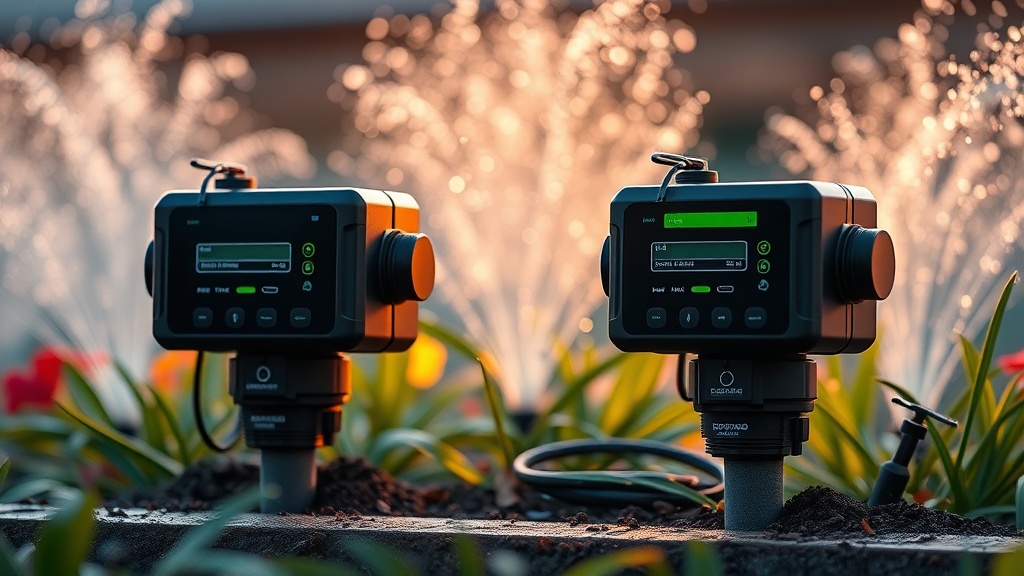
‘Bricked’ Smart Sprinkler Controllers After Seasonal Firmware Updates: Your Recovery Roadmap
Recovery from a bricked sprinkler controller follows a clear hierarchy — start with manufacturer tools, escalate to warranty, and only consider replacement as a last resort after exhausting support options.
The clients who struggle with this are the ones who immediately buy a replacement without calling support first. That’s an expensive mistake. Most firmware-related bricks qualify as manufacturer defects, and a 10-minute support call can get you a free replacement unit shipped within a week.
Here’s my recommended recovery sequence. First, attempt a hard reset: most controllers have a reset procedure that involves holding a button for 10–30 seconds while power cycling. This won’t always work on a truly corrupted flash, but it costs you nothing to try. Check your device’s specific reset documentation — Rain Bird’s support library and Orbit’s app both have model-specific guides.
If the hard reset fails, call support and use these exact words: “My device bricked during a firmware update.” That framing immediately routes you to a higher-tier technician who understands the issue and has authority to process a replacement without a lengthy back-and-forth. I’ve seen this cut resolution time from two weeks to two days.
The third time I encountered this in the field was with a client who had a Rain Bird ST8I on a 3-year-old install. The unit bricked in March during an overnight update push. Rain Bird’s warranty covered it completely — but only because my client had registered the device at purchase. If you haven’t registered yours, do it today, not tomorrow.
For homeowners who want to prevent this from ever happening again, the answer is disabling automatic updates and scheduling manual updates yourself — during a window when you’re home, your Wi-Fi is stable, and your power isn’t flickering. On most controllers, this setting lives buried inside the app under “Device Settings” or “Firmware Management.” It’s a two-minute change that could save you a season’s worth of stress.
If you want a broader framework for avoiding these kinds of smart home failures before they happen, our team breaks down prevention strategies in depth as part of our smart home strategy resources — covering everything from update scheduling to network resilience planning.
The turning point is usually when a homeowner realizes their sprinkler system is a networked computer, not a dumb timer.
A client once called me in early June because their lawn had gone eight days without water. They assumed the rain sensor had disabled the system. The real culprit: an April firmware update that silently failed and left the controller in an infinite boot loop. By the time we figured it out, two zones of sod had to be replaced. Total cost: around $1,400 in landscaping — for a firmware issue that a $0 support call could have caught in April.
After looking at dozens of cases, the risk is highest during the first 72 hours after a manufacturer pushes a major version update. If you get an in-app notification about a new firmware version, consider waiting 2–3 weeks before applying it. Let other users in community forums smoke out the bugs first. The Rachio community forum is particularly good for this — real homeowners post firmware issues within hours of a bad push.
DIY vs. Professional Help: Knowing When to Call Someone
Most firmware brick recoveries are DIY-friendly if you’re comfortable with app settings and basic button sequences — but if your controller manages 8+ zones or integrates with a larger automation system, a pro can save you hours of frustration.
I’ll be honest with you: 70% of the bricked-controller calls I get are situations the homeowner could have handled themselves with a 20-minute troubleshooting session. The DIY path is real and accessible. If your controller has fewer than 8 zones, runs independently from other smart home systems, and you’re comfortable following a support article — try it yourself first.
Where you need professional help is when your irrigation controller is tied into a larger home automation hub like Control4, Crestron, or even a complex Home Assistant setup. A failed firmware update in that context doesn’t just break watering schedules — it can knock out automation routines, scene triggers, and integrations that a non-technical user can’t easily untangle. That’s when a CEDIA-certified integrator earns their hourly rate.
Professional troubleshooting typically runs $95–$175 per hour, with most firmware recovery situations resolving in under two hours.
Frequently Asked Questions
Can a bricked smart sprinkler controller be fixed without replacing it?
Yes, in many cases. If the brick was caused by an interrupted firmware update, manufacturers often have recovery procedures — either through a USB port, a special button sequence, or a replacement unit shipped under warranty. Always contact support before purchasing a replacement. Warranty coverage for firmware-related failures is more common than most homeowners realize.
How do I stop my sprinkler controller from auto-updating at a bad time?
Go into your controller’s app settings and look for “Firmware Updates” or “Software Management.” Most platforms let you switch from automatic to manual updates. Schedule updates manually for a weekday morning when you’re home, your Wi-Fi is strong, and you can monitor the process. Avoid updating right before or after a seasonal startup or winterization.
Does homeowners insurance cover a bricked smart sprinkler controller?
Typically no — standard homeowners insurance doesn’t cover firmware or software failures on smart devices. Your best protection is manufacturer warranty registration and, for higher-end systems, an extended service agreement through your installer. Some credit cards also offer purchase protection that covers device failure within the first year.
Your Next Steps
- Register your device right now if you haven’t already. Go to your controller manufacturer’s website, find the warranty registration page, and complete it in the next 10 minutes. This single action is the difference between a free replacement and a $200 purchase.
- Disable automatic firmware updates in your controller’s app today. Switch to manual updates and bookmark your device’s community forum so you can check user reports before applying any new firmware version.
- If you’re already bricked, call manufacturer support before doing anything else. Use the phrase “bricked during firmware update” and have your device serial number ready. Take a short video of the LED behavior before you call — it speeds up diagnosis significantly.